


Where the admin is
The admin (administration panel) is at your shop's address with a special path, for example https://your-shop.com/access. You received the exact address, user name and password when we handed the shop over to you.
Signing in
Open the admin address in your browser.
Enter your user name and password.
Click the sign-in button. The dashboard opens with the latest orders.
What is where in the menu
The main menu is on the left. You will use these items most often:
- Sales - orders, invoices, shipments and credit memos.
- Catalog - products and categories.
- Customers - registered customers.
- Content - pages, blocks and the shop design.
- Stores - shop settings: payments, shipping, emails.
- System - admin users and the cache.
Forgotten password
On the sign-in page, click Forgot your password? below the password field.
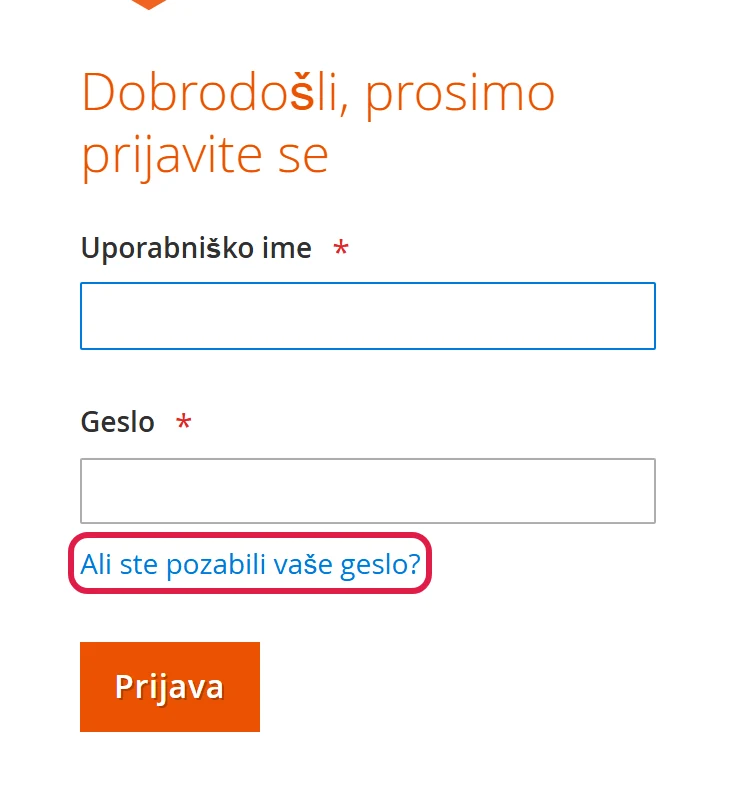
The link is below the Password field. In Email address, enter the email saved on your user account and click Retrieve Password.
Click the link in the email and enter a new password. The link is only valid for a limited time. If it expires, start again.
Password rules
The admin protects access to customer data, so it has a few rules that can surprise you the first time:
| What happens | Why | What to do |
|---|---|---|
| The message You did not sign in correctly or your account is temporarily disabled. | wrong password, or the account is locked after several failed attempts | wait 30 minutes or ask a colleague to unlock you (see below) |
| The message It's time to change your password. | your password is older than 90 days; for security reasons the shop recommends or requires a change (depending on the setting) | click your name at the top right, choose Account Setting and enter a new password |
| When you save a user, the admin asks for Your Password | every change to users or to your own account must be confirmed with your current password | enter the password you are signed in with (not the new one) |

Unlocking a locked colleague
System › Permissions › Locked Users
Tick the locked user. Leave Unlock selected in the drop-down and click Submit.
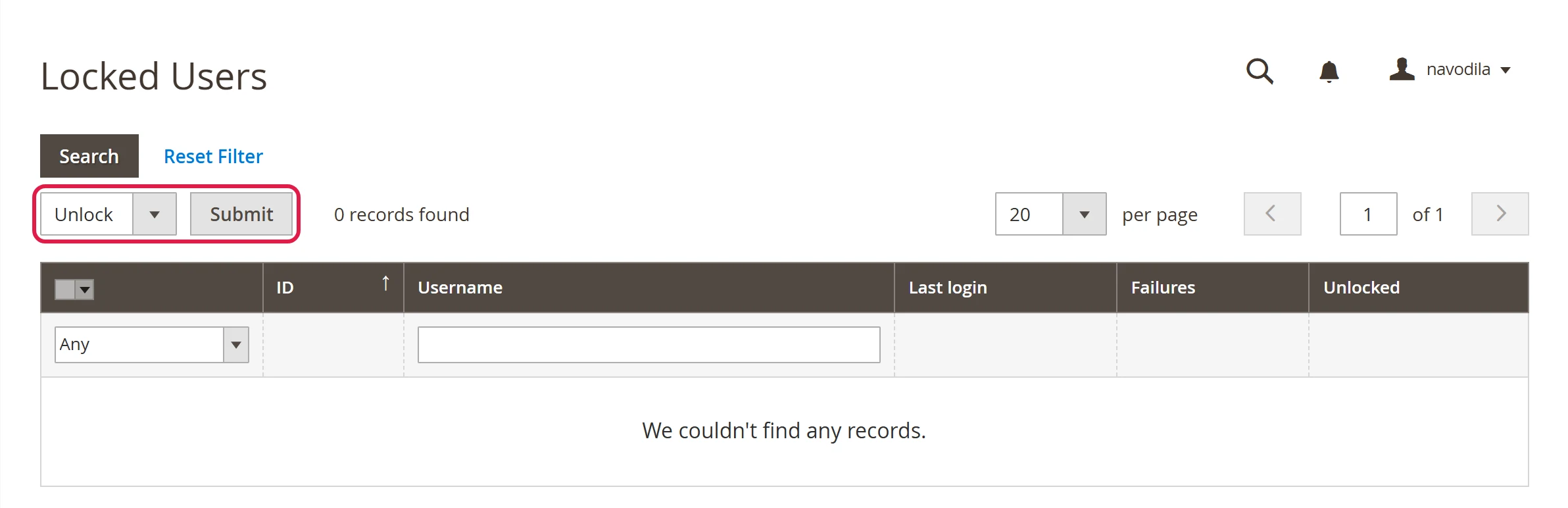
Unlock - the ticked users can sign in again straight away.
Common problems
The password reset email does not arrive
Check your spam folder and make sure you entered the email saved on your user account. You can only send another request after a few minutes.
The admin is in the wrong language
The admin language is set separately for each user. Click your user name at the top right, choose Account Setting and pick your language in Interface Locale.
After signing in, I am sent back to the sign-in page
Your browser is not saving cookies, or you have opened the admin at two different addresses (with and without www). Use the address you received at handover.