
Englishen
Your cart: 0
Cart Subtotal: €0.00

Magento editing static pages / content

Magento online store has a very simple and transparent text editor. With the help of this editor, you can edit any sub-page of your online store.

Magento adding static contentFor example, you can change the contact number on your contact page, edit the text in the terms of service, or edit any other text on the sub-pages of your online store.

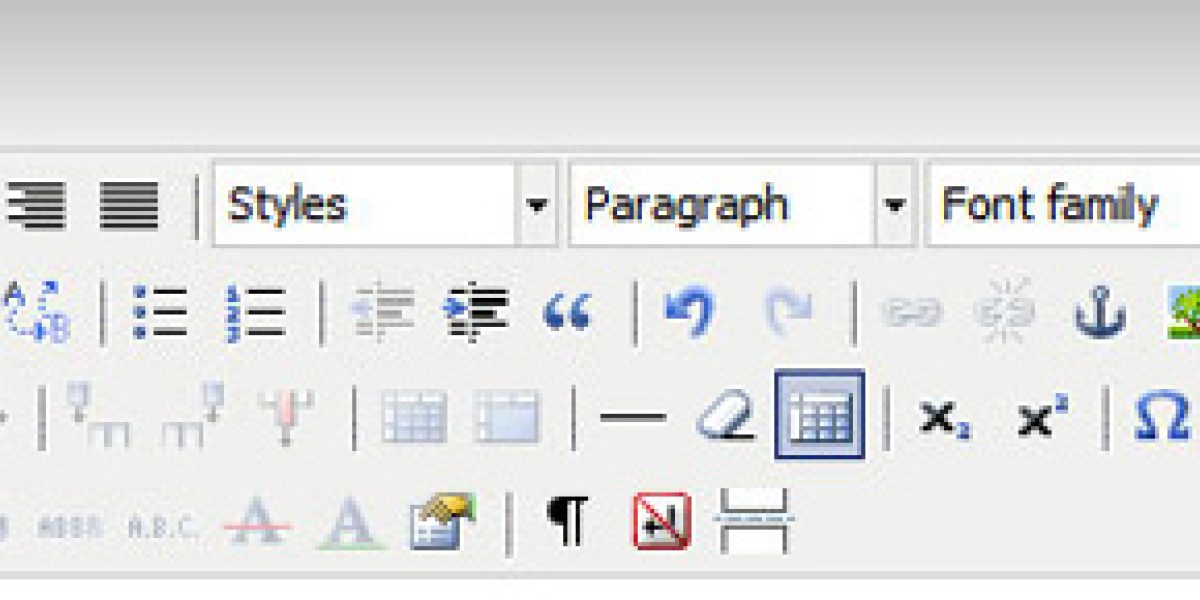
In the main menu, click on the "Editor" > "Pages" button. A new page will open with a list of all the sub-pages you have on your online store's site. In the table, click on the name of the sub-page you want to edit. For example, if we want to edit the "General Terms" sub-page, a new page will open where we can now edit the "General Terms" sub-page. To edit the content or text of the page, click on the "Content" button/tab in the left menu. A text editor with the content of the selected sub-page will open. The editor is very clear and similar to Word. You can bold, underline, add images, color the font, etc., as you wish.

After finishing editing, click the "Save Page" button in the upper right corner. The selected sub-page will be automatically refreshed with the new content on your online store domain. For the page URL, you must fill in the "URL Key" field. An example of a filled "URL Key " with the content "general-terms" will create a link to the post www.mydomain.com/general-terms/. You must know that you cannot use diacritics and special characters except for a hyphen (-) in URL addresses.

Magento adding images to a static page

Stop browsing. Start selling. Contact me now at anze@degriz.net.

Access Premium Content for Free

Subscribe to our newsletter and get free access to premium content. Discover valuable insights and exclusive resources available only to our subscribers.

Privacy Policy: Newsletter Subscription

By entering your email address, you are subscribing to the newsletter, through which Degriz will inform you about new online and in-store offerings, marketing activities, and other promotions.

By subscribing to the newsletter, you are also enrolled in the benefits database that Degriz offers to its users.

For the newsletter subscription, Degriz d.o.o. collects the following information: email address, IP address, and if you subscribe as a registered member, your name, surname, address, and phone number.

After submitting the form with your email address, you will receive a confirmation message at the specified address – by confirming this, you will be subscribed to the Degriz newsletter until you unsubscribe (so-called opt-in approval). You can request, in writing or by clicking the Unsubscribe button in the newsletter, that the data controller permanently or temporarily stops using your personal data for direct marketing purposes. Your request will be fulfilled within 15 days of receiving it, as prescribed by law. You can also request the transfer or access to your data.

Degriz d.o.o. is committed to protecting your data in accordance with the legislation governing personal data protection.

The sender of the newsletter and controller of your personal data is: Degriz, d.o.o., Gorica pri Šmartnem 45a, 3000 Celje, SI 67287743

Check out the full Privacy Policy

Newsletter

My name is Anže, and I am a Magento certified expert in solutions and a creator of multiple award-winning online stores.

I am the architect behind all Degriz projects. You will surely come across me if we collaborate. Even though the phone keeps ringing, you can always tap me on the shoulder if you need advice regarding online stores and their functioning.

I specialize in building custom online stores and I am a master of unique techniques to enhance conversion on your website.

© 2010 - 2026 Degriz. All rights reserved. Built with love on Magento.
Partial use of the content is permitted with mandatory attribution. The content is licensed under Creative Commons Attribution 4.0 International (CC BY 4.0) or under our own license.