


The module works on Luma and Hyvä themes (1.1 or newer, Tailwind 3 or 4). On Hyvä it has its own layouts and scripts that work with a strict CSP, so it needs no compatibility modules.
1. Install the module
Install the module with Composer as described under Installation instructions on the module page, or let us install it.
2. Build the theme CSS
The module registers itself for the Tailwind CSS build. After installing or upgrading, run this in the store root:
php bin/magento hyva:config:generatethen rebuild the CSS in the theme folder (app/design/frontend/<Vendor>/<theme>/web/tailwind):
npm run buildand flush the cache. Without this step the module works, but the progress bar, picker and badge have no styles.
3. Where it shows
- Cart page: the progress bar in the summary, the gift line with regular price and discount, the gift picker.
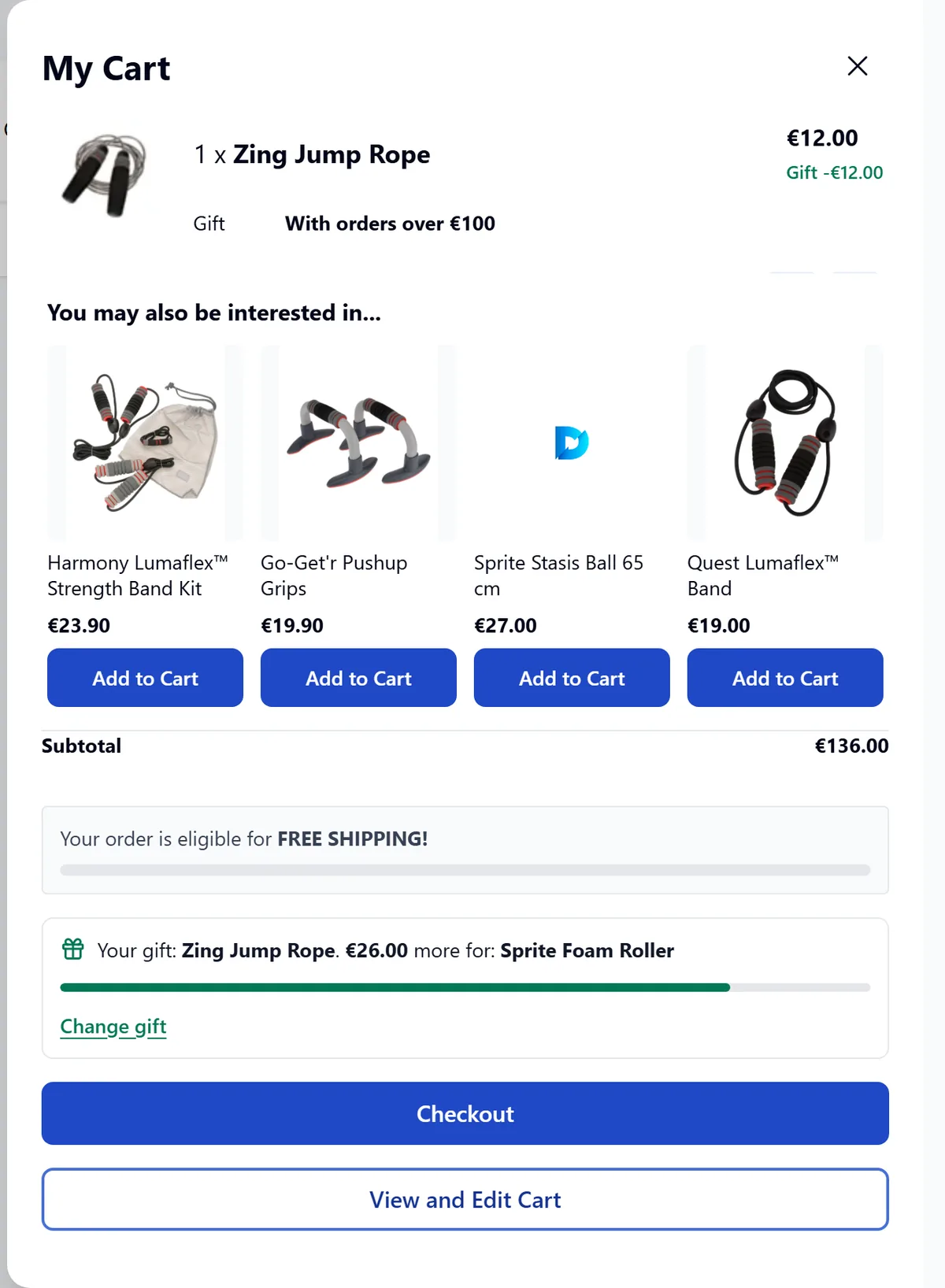
- Cart drawer: a compact bar and the button to choose or change the gift.
- Product page: the gift badge under the price.
4. Checkout
With the Luma checkout or Firecheckout the customer can also choose or change the gift in the order summary. In Hyvä Checkout the gift line (note, regular price, discount in the totals) shows, but the gift picker is not there yet: the customer chooses the gift in the cart or the cart drawer.
$block->getActions($item)) and the price blocks, otherwise “Change gift” and “I don’t want a gift” are missing on the gift line.