


When you reduce a product's price, EU rules (the Omnibus Directive) require the shop to show the previous price next to the sale price. The price history module remembers price changes and shows a line under the price: Lowest Price in 30 days: …. The line only appears on products that are reduced.
The rule: the lowest price before the reduction
The previous price is the lowest price that applied in the 30 days before the reduction started. This is not always the regular price, and it is not the lowest price of the last 30 days, which could already include the sale itself.
| What happened | What is shown |
|---|---|
| Regular price 100 EUR, sale 80 EUR from 1 March | 100 EUR |
| Sale 90 EUR from 10 to 20 February, then 100 EUR again, sale 80 EUR from 1 March | 90 EUR |
| Sale 80 EUR from 1 March, further reduction to 70 EUR on 10 March | 80 EUR (the lowest in the 30 days before 10 March) |
When prices are recorded
- When you save a product with a changed price or special price (Advanced Pricing), the change is recorded straight away.
- Prices from catalogue price rules are recorded once a day, at night.
Settings
Stores › Configuration › Magelan › Product price 30 days
In the General Configuration section, set Enable to Yes.
Leave Disable Tier Price in Lowest Price Display on Yes so quantity discounts do not affect what is shown.
Disable Lowest Price Display on Category/Listing Pages set to Yes hides the line in product lists. It stays on the product page.
Cron Interval is the time of day the shop records prices. Leave it as it is.

- Enable - Yes.
- Disable Tier Price in Lowest Price Display - leave on Yes.
- Disable Lowest Price Display on Category/Listing Pages
- Cron Interval - leave as it is.
Click Save Config.
Reviewing recorded prices
Catalog › Product price 30 days
The list shows every recorded change: the product SKU and name, Price Type, Old Price, New Price and the date.
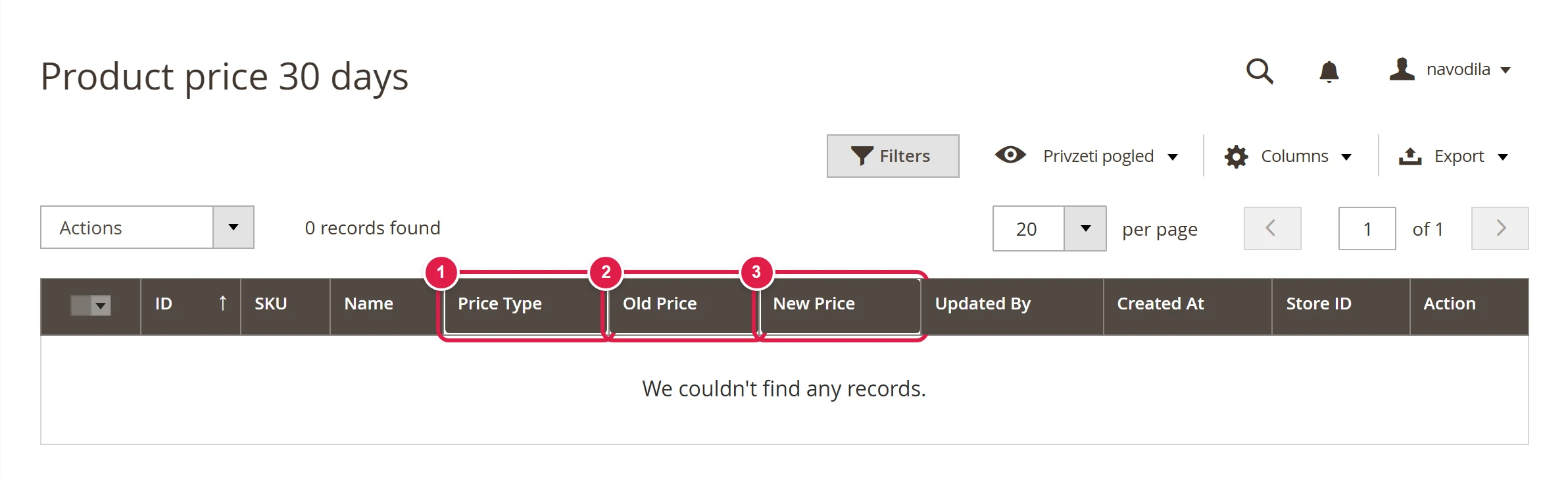
- Price Type
- Old Price
- New Price
Common problems
The lowest price is the same as the sale price
The shop has no record of the reduction for this product yet, for example for a sale from a catalogue price rule, which is recorded at night. Wait until the next day. If it does not correct itself, write to us.
The line is missing even though the product is on sale
Check that the module is enabled and that the sale price really is lower than the regular price. Then clear the cache.