New website or upgrading an existing one? Book a free video consultation.
Englishen
Login Configurator

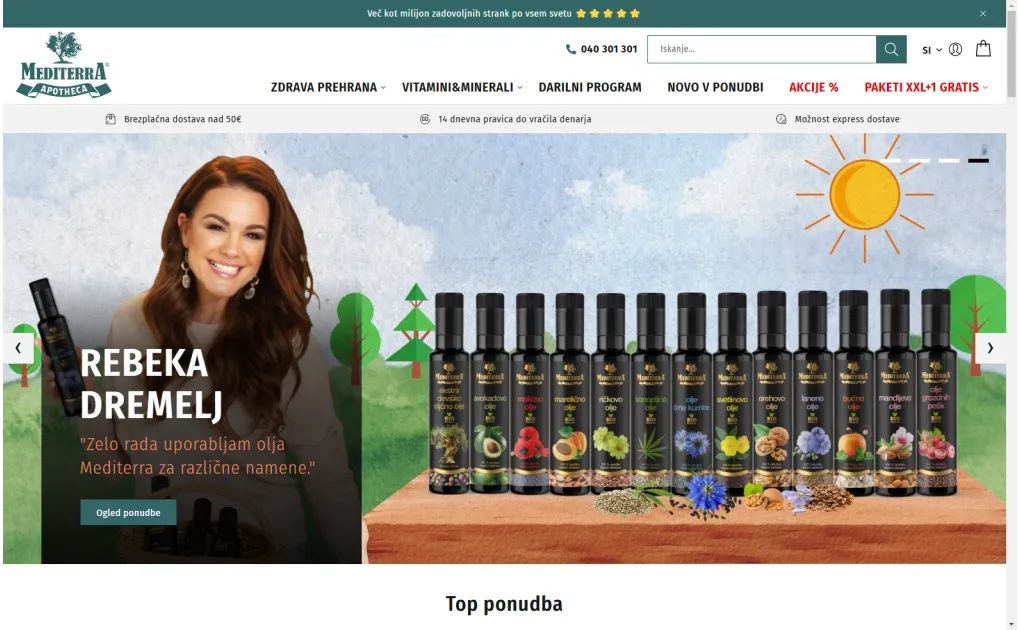
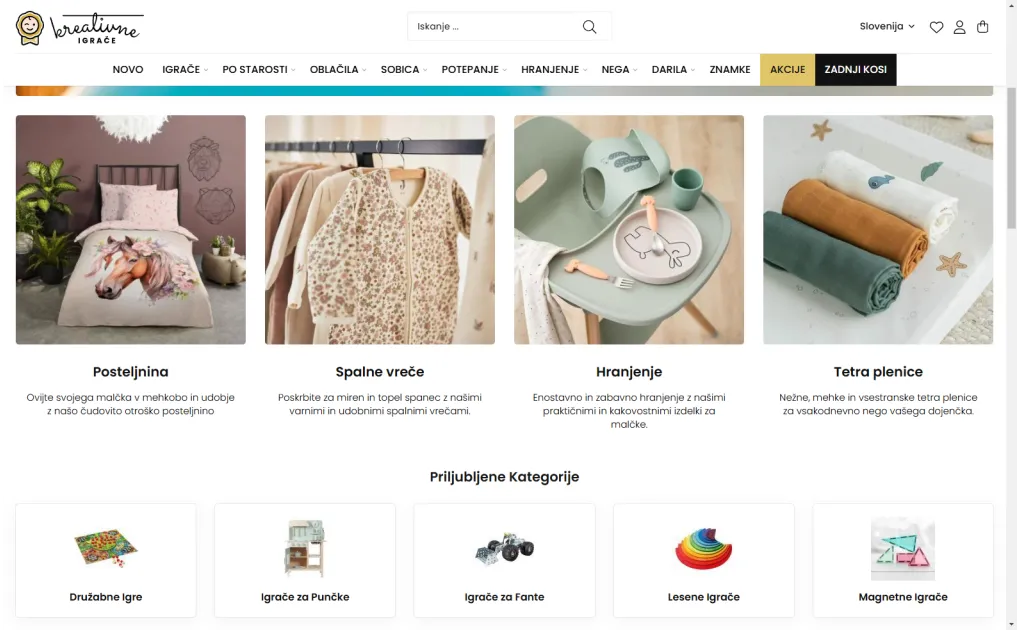
Choosing the Font

Before we begin with the design, it's advisable to determine the type of font we will use.

Choosing the Font

It's generally not advisable to use too many different font styles, as it can make the content appear cluttered. Opt for easily readable fonts. Even if you have a beautiful script font, it might be better to replace it with a simpler one at times.

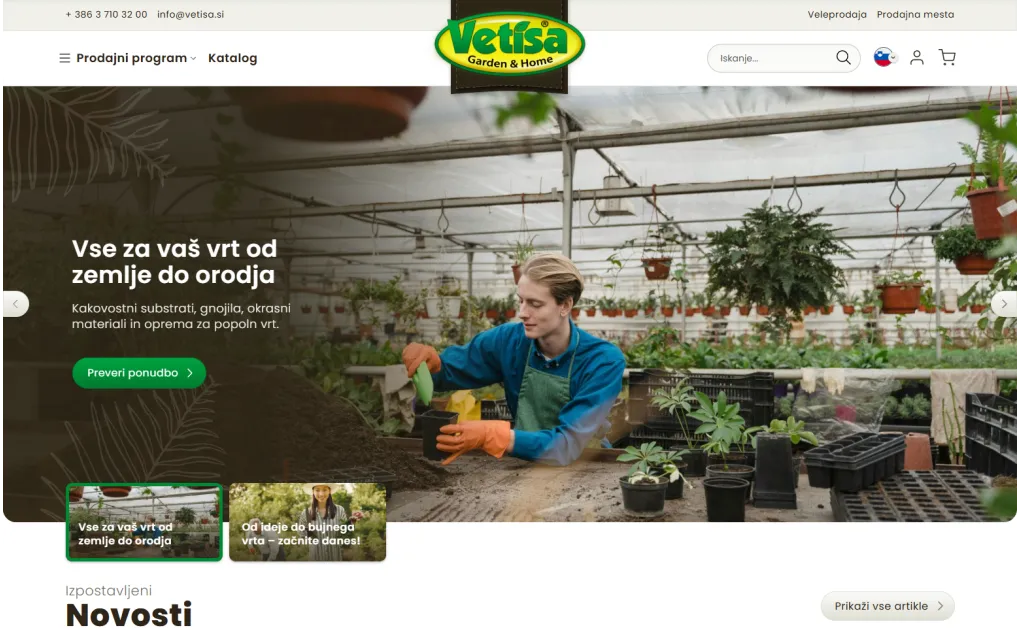
Also, check if the fonts include all necessary characters. Sometimes, our chosen font may have special characters that are not available in all fonts (across different EU countries). In such cases, we may need to find a font with additional characters, like "latin extended."

Once you have a shortlist of fonts, choose one or two font types for use: one for headings (h1, h2, h3, etc.) and another for descriptive text, or use a single font in various weights and sizes for both headings and descriptions.

Ensure that the chosen font can be used on the website as a web font. Otherwise, we need to adjust the font for web use and check its usage rights.

With font types selected and their use determined, set sizes and spacings for different sections. Typically, the most significant title is h1, used for category headings, article titles, individual pages, etc. Start with the size of h1 and then proceed to h2, h3, and so on. Ensure that each heading is slightly smaller than the previous one but never smaller than the main content size. The heading should stand out on the page but still be part of the content.

When determining spacings, always ensure an appropriate line height. If lines are too close together, reading web content becomes challenging. If they are too far apart, it gives a sense of disconnectedness between lines.

Frequently Asked Questions

How does the font affect readability and website conversion?

The font is one of the first elements that defines the feel of the site. A hard-to-read or inappropriate font immediately reduces trust. Sans-serif fonts (Arial, Roboto, Open Sans) are recommended for the web due to better on-screen readability.

How many different fonts are recommended on a website?

Maximum 2-3 fonts: one for headings, one for body text, one optionally for highlights or CTA. More fonts create visual chaos and reduce coherence. Google Fonts offers free font combinations that work well together.

How does font size affect the experience?

The base font for body text should not be smaller than 16px for desktop and 14px for mobile. Too-small font increases bounce rate, especially for older readers. Headings should be significantly larger (24-48px) for clear hierarchy.

What is the impact of fonts on page speed?

Non-standard fonts are loaded from the server or CDN (Google Fonts) and slightly slow loading. We recommend preloading key fonts and limiting to 1-2 font families for minimal speed impact.

Does font affect SEO?

Indirectly - a readable font reduces bounce rate and increases time on page, which are positive SEO signals. Google does not directly evaluate fonts, but text must be readable for crawler bots and for accessibility.

Stop browsing. Start selling. Contact me now at anze@degriz.net.

Access Premium Content for Free

Subscribe to our newsletter and get free access to premium content. Discover valuable insights and exclusive resources available only to our subscribers.

Privacy Policy: Newsletter Subscription

By entering your email address, you are subscribing to the newsletter, through which Degriz will inform you about new online and in-store offerings, marketing activities, and other promotions.

By subscribing to the newsletter, you are also enrolled in the benefits database that Degriz offers to its users.

For the newsletter subscription, Degriz d.o.o. collects the following information: email address, IP address, and if you subscribe as a registered member, your name, surname, address, and phone number.

After submitting the form with your email address, you will receive a confirmation message at the specified address – by confirming this, you will be subscribed to the Degriz newsletter until you unsubscribe (so-called opt-in approval). You can request, in writing or by clicking the Unsubscribe button in the newsletter, that the data controller permanently or temporarily stops using your personal data for direct marketing purposes. Your request will be fulfilled within 15 days of receiving it, as prescribed by law. You can also request the transfer or access to your data.

Degriz d.o.o. is committed to protecting your data in accordance with the legislation governing personal data protection.

The sender of the newsletter and controller of your personal data is: Degriz, d.o.o., Gorica pri Šmartnem 45a, 3000 Celje, SI 67287743

Check out the full Privacy Policy

Newsletter

My name is Anže, and I am a Magento certified expert in solutions and a creator of multiple award-winning online stores.

I am the architect behind all Degriz projects. You will surely come across me if we collaborate. Even though the phone keeps ringing, you can always tap me on the shoulder if you need advice regarding online stores and their functioning.

I specialize in building custom online stores and I am a master of unique techniques to enhance conversion on your website.

© 2010 - 2026 Degriz. All rights reserved. Built with love on Magento.
Partial use of the content is permitted with mandatory attribution. The content is licensed under Creative Commons Attribution 4.0 International (CC BY 4.0) or under our own license.